Performance Max Campaigns: The Complete Guide for 2025
Performance Max can be your best friend or your biggest enemy. Learn how to structure asset groups, optimize audience signals, and avoid common mistakes in 2025.


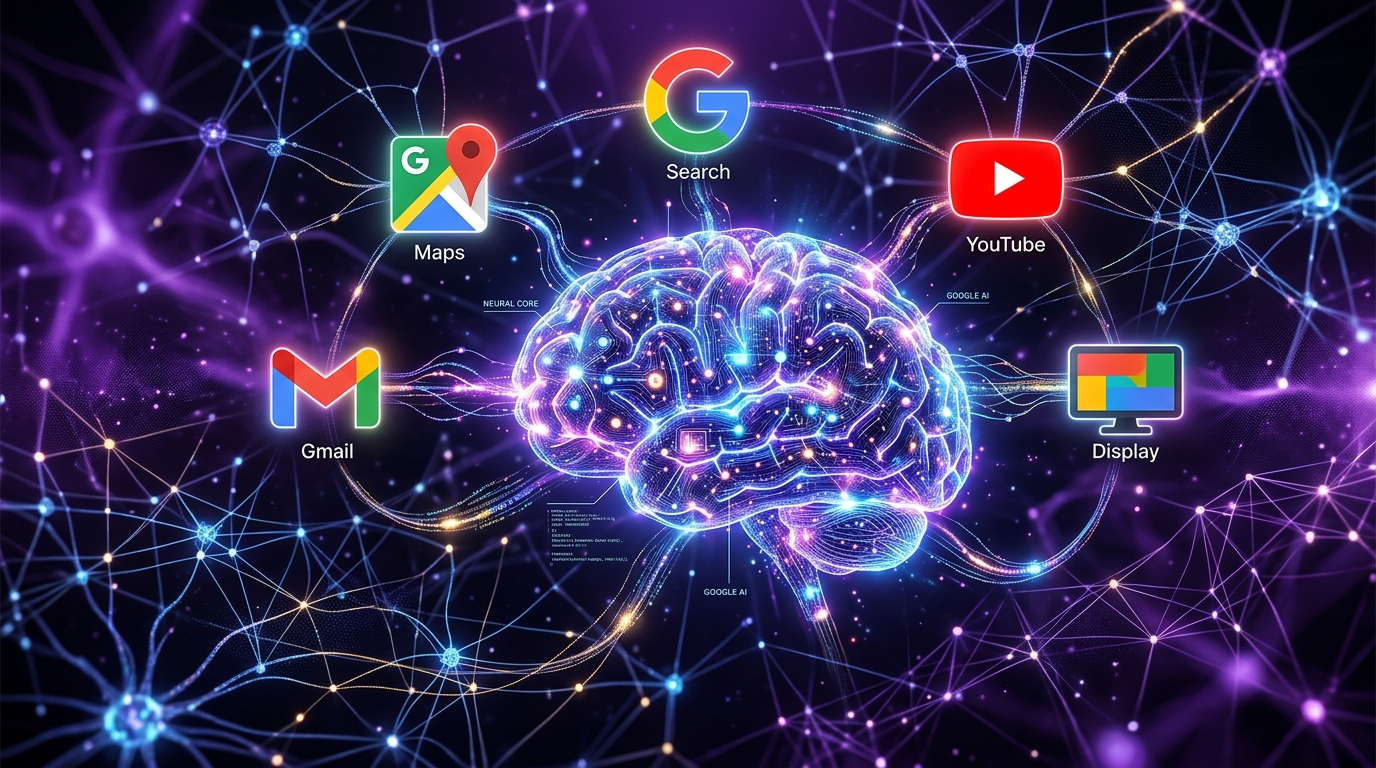
Performance Max (PMax) is Google's AI-powered campaign type that automatically advertises across all Google channels: Search, Display, YouTube, Discover, Gmail, and Maps. It can work great, but only with the right setup.
In this guide, we share the best practices we use at Saerens Advertising to make PMax campaigns perform.
How Performance Max Works
PMax uses machine learning to optimize bids, creatives, and placements in real-time. You provide the AI with assets and audience signals, and the system determines where, when, and how your ads are shown.
The Advantages
- You are visible across all Google channels
- Less manual optimization work through automation
- AI finds customers you would miss yourself
The Disadvantages
- You do not know exactly which placements work, so you have less control
- PMax often steals brand conversions from Search campaigns
- You need many different assets to feed the system
Asset Groups: Structure and Best Practices
Asset groups are collections of creative elements (headlines, descriptions, images, videos) grouped around a common theme or product line.
Strategic Segmentation
- By product category: separate asset groups for smartphones vs. laptops
- By intent: groups for informational, navigational, or transactional users
- By audience: segment for different customer types or buyer stages
How Many Asset Groups?
- Start with 1-2 focused asset groups per campaign
- Avoid too many groups, since more groups means diluted budget
- Scale up only after performance validates this
Asset Requirements
Text assets:
- Headlines: 3-15 (maximum 15 recommended)
- Long headlines: 1-5
- Descriptions: 3-5 (up to 90 characters; at least one under 60)
Images:
- Minimum: 4-5 high-quality images
- Recommended: 20 images in multiple orientations
Videos:
- Minimum: 1 video (otherwise Google auto-generates one, usually low quality)
- Recommended: 5 videos in different orientations
- Duration: 10-30 seconds for optimal engagement
Audience Signals: Optimization Strategy
Audience signals are data points that help Google's AI target the right users. They are guidelines, not restrictions. Google also explores beyond them.
Which Signals to Use
- Customer Match lists with existing customer emails and phone numbers
- Website visitors through remarketing audiences from Google Analytics
- Custom segments covering in-market, affinity, and demographics
- Lookalike audiences based on converters
Best Practices
- Add at least 15 relevant audience signals per asset group
- Upload Customer Match lists to train the algorithm on real buyers
- Use first-party data from CRM/email for the strongest signals
- Update customer lists annually
Campaign Setup Best Practices
Pre-Launch Requirements
- Minimum budget: €50-100/day for effective learning
- Conversion tracking must be accurate and full-funnel
- At least 30 monthly conversions before launch
Bidding Strategy
- Start with Maximize Conversions (no CPA/ROAS target initially)
- Let the campaign collect data for at least 6 weeks before adding targets
- Switch to Maximize Conversion Value if certain conversions are more useful
Common Mistakes to Avoid
- Setting target CPA/ROAS too early (before data collection)
- Creating too many asset groups (budget dilution)
- Skipping video assets (Google then generates poor ones)
- Not excluding branded terms from generic campaigns
- Frequent campaign changes (resets learning phase)
Need Help with Performance Max?
At Saerens Advertising, we help e-commerce and lead generation businesses get the most out of Performance Max. We combine strategic guidance with data-driven optimization.
Want to know if your PMax campaigns are performing optimally? Request a free audit.
Related Articles

Need help with your marketing?
Request a free audit today and discover where you're missing opportunities.