3 Common GA4 Mistakes That Cost You Thousands of Euros
GA4 installed but missing crucial data? Discover the common mistakes in data retention, enhanced conversions, and server-side tracking — and how to fix them.


Google Analytics 4 is fundamentally different from Universal Analytics. Many businesses have made the switch but are missing critical data due to common configuration mistakes. These mistakes can cost you thousands of euros in missed insights and wrong decisions.
At Saerens Advertising, we regularly see these mistakes with new clients. Here are the most common ones, and how to fix them.
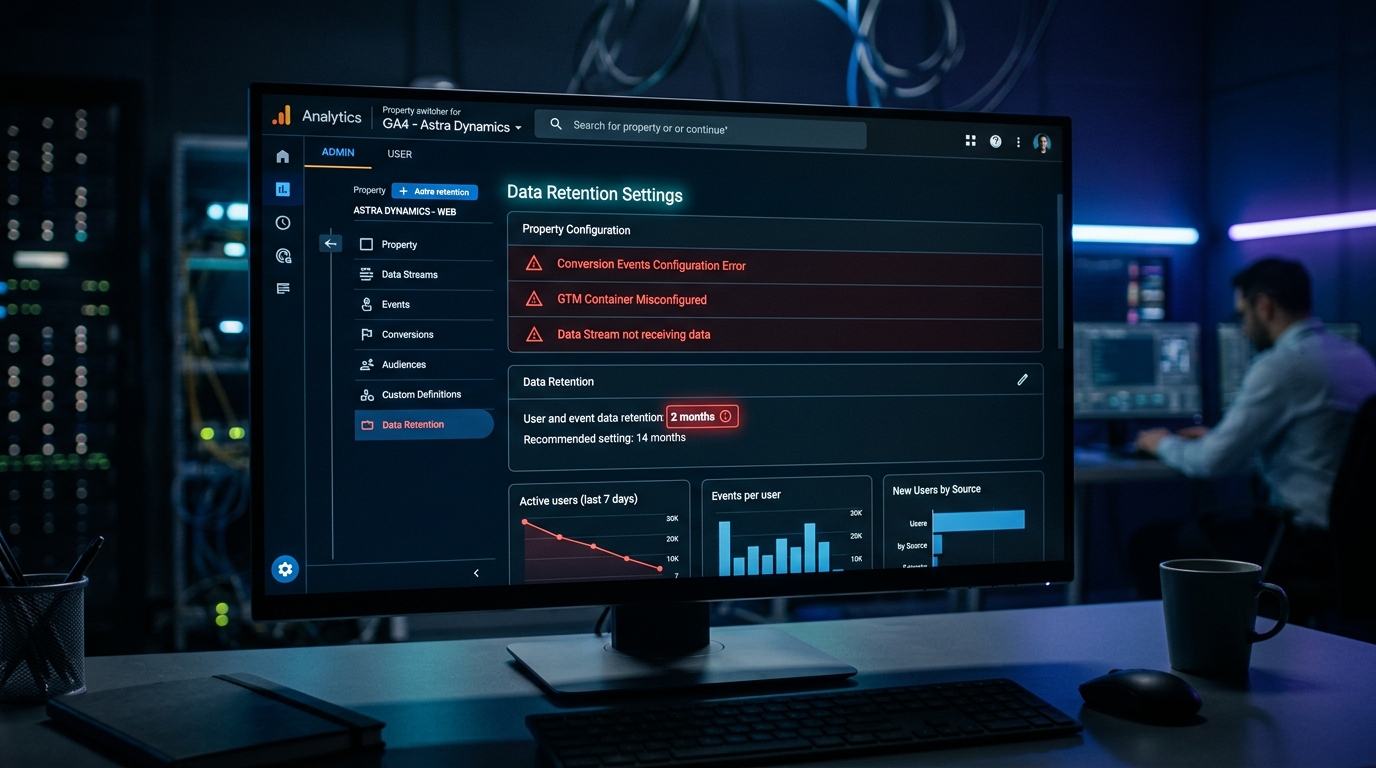
Mistake 1: Data Retention on Default (2 Months)
GA4 retains only 2 months of data by default for exploration reports. That means you cannot make year-over-year comparisons or perform quarterly analyses. Historical insights are lost.
Change the setting to 14 months (or 50 months for Analytics 360) via Admin, Data Settings, Data Retention.
Mistake 2: No Enhanced Conversions
Enhanced Conversions increase your conversion attribution by 10-15%. Without this, you are missing significant data, especially now that browsers are becoming increasingly restrictive with cookies.
The correct setup:
- Accept the customer data terms in Google Ads
- Enable user-provided data collection in GA4
- Configure User-Provided Data variable in GTM
- Enable automatic detection for forms
- Test in DebugView before production
Common Enhanced Conversions mistakes:
- Email addresses not lowercase: hash and normalize all data
- Phone numbers without country code: use standard formats
- CSS selectors that break: use data layer variables for stability
- Duplicate enhanced conversions: run it in GA4 OR Google Ads, not both
Mistake 3: Wrong Conversion Setup
Not every conversion is equally important, but many businesses treat them all the same.
The solution:
- Distinguish between micro-conversions (newsletter signup) and macro-conversions (purchase, quote request)
- Assign values to conversions so Smart Bidding knows what to prioritize
- Use conversion modeling for privacy gaps

Mistake 4: No Server-Side Tracking
Browser-side tracking is becoming increasingly unreliable due to:
- Ad blockers (30%+ of visitors)
- ITP (Safari Intelligent Tracking Prevention)
- Privacy regulations (GDPR, cookie consent)
The solution:
Server-side tracking via Google Cloud or a first-party proxy. This sends data directly from your server, making you less dependent on browser limitations.
Mistake 5: Staging Environment Data Pollution
Test and staging sites often send data to your production GA4 property. QA testing inflates your real user metrics, making your reports unreliable.
Remove tracking code from staging, or configure an internal traffic filter.
Mistake 6: Missing Product Links
Without a connection to Google Ads, Search Console, or BigQuery at setup, you lose historical data and miss cross-platform insights.
Configure all product links directly at setup via Admin, Product Links. Historical data is not retroactive!
Quick Setup Checklist
Day 1 - Foundation:
- Data retention to 14 months
- Link Google Ads, Search Console, BigQuery
- Create core audiences
- Configure unwanted referrals list
- Set up internal traffic filter
Enhanced Conversions:
- Accept customer data terms in Google Ads
- Enable user-provided data collection
- Configure GTM User-Provided Data variable
- Enable automatic detection
- Test in DebugView
- Verify in Google Ads reports
The GA4 Attribution Trap
An important warning: GA4 introduces a delay of 6-18 hours in conversion data. This cripples Smart Bidding in Google Ads.
Use Google Ads conversion tracking directly for real-time signals. This delivers 15-20% better performance compared to GA4-only tracking.
Need Help with Your Tracking Setup?
At Saerens Advertising, we ensure a watertight tracking setup that gives you the data you need to make smart decisions. From GA4 configuration to server-side tracking and enhanced conversions.
Want to know if your setup is correct? Request a free audit.
Need help with your marketing?
Request a free audit today and discover where you're missing opportunities.